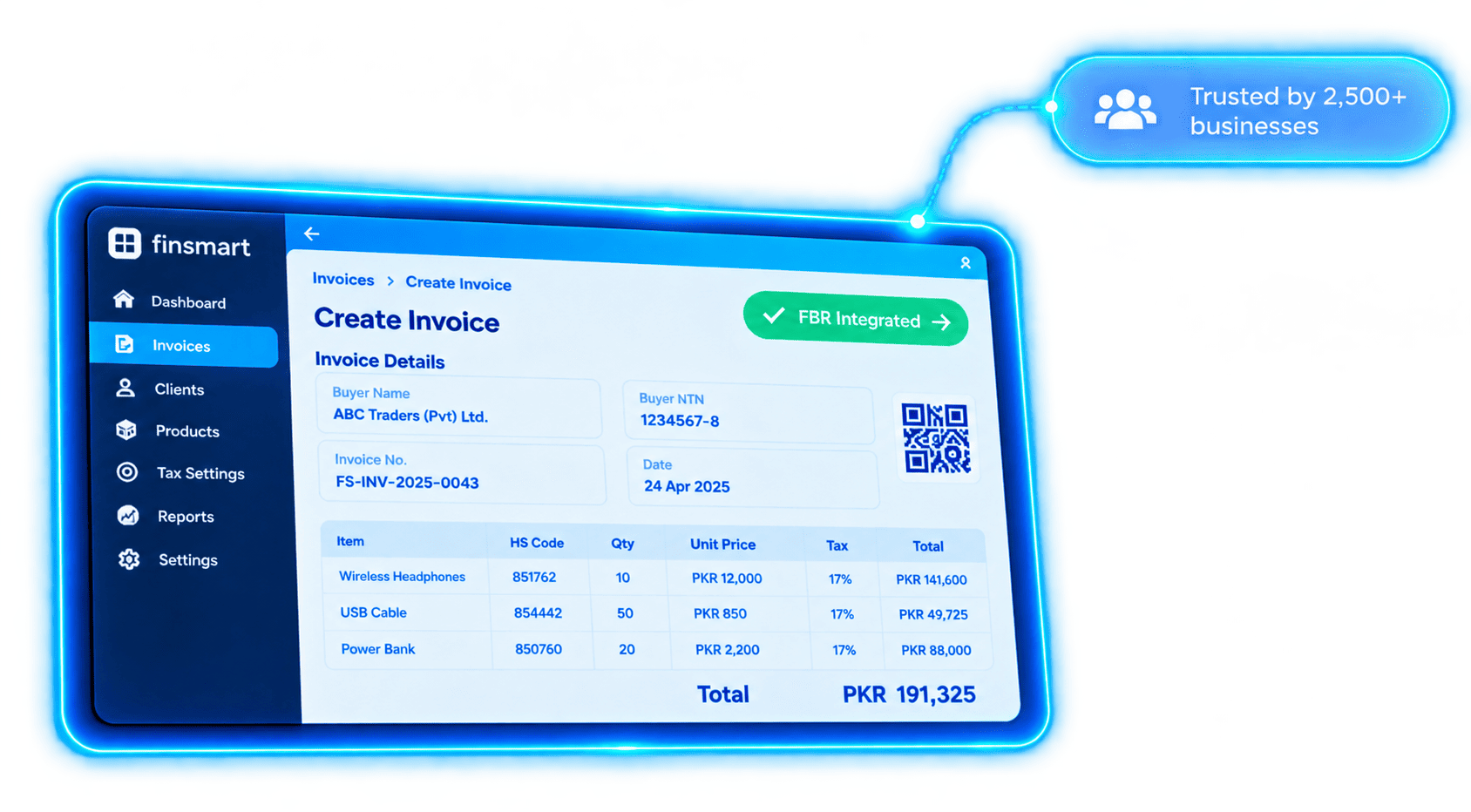
Create and manage business invoices in FinSmart ERP. Check invoice details, validate against FBR requirements, and submit through the FBR Digital Invoicing API.
Connect your ERP invoicing workflow to FBR digital invoicing, from invoice data checks to submission responses.
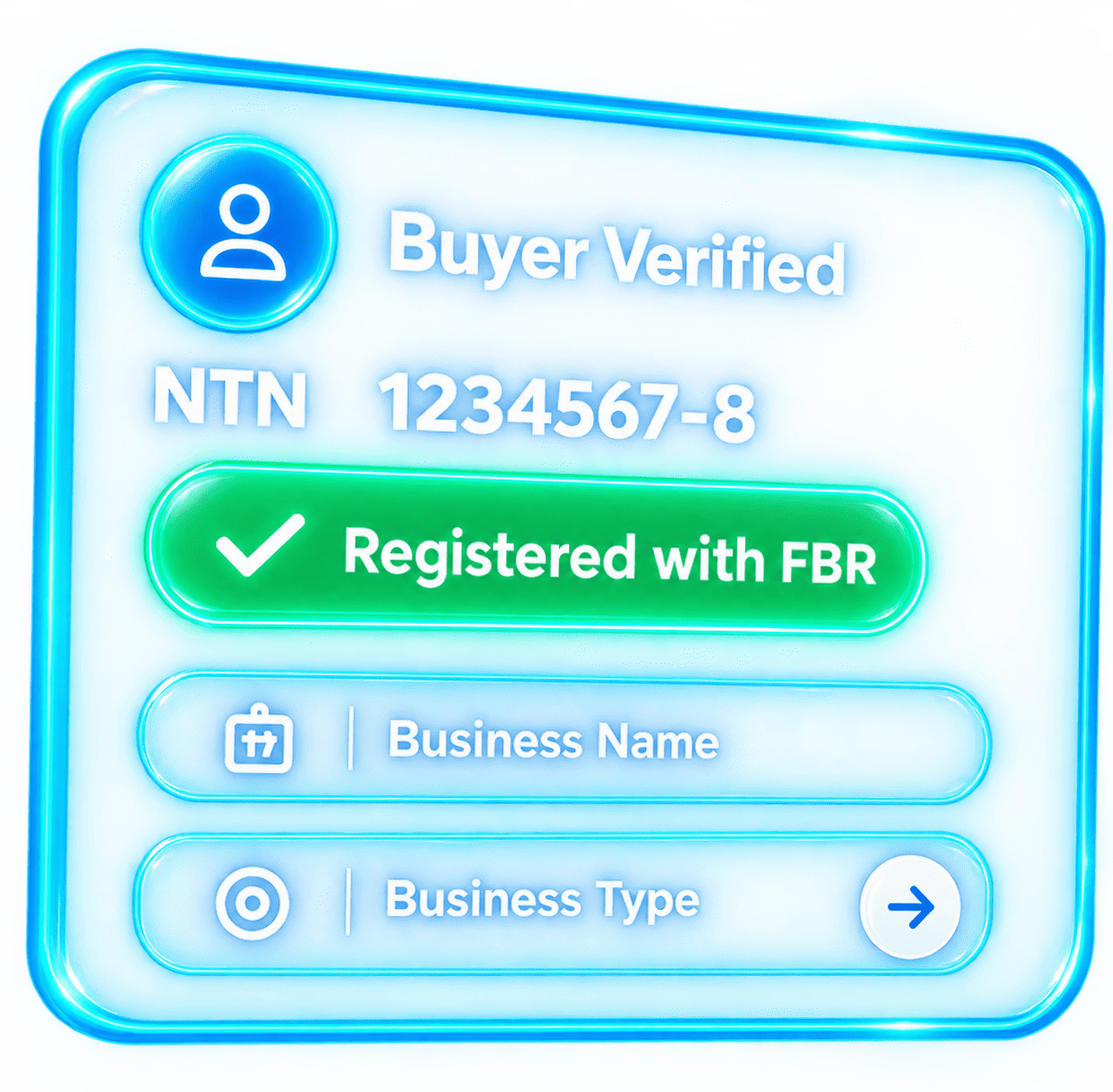
Check buyer registration details and taxpayer status using available FBR reference services.
Use FBR reference data to select HS codes, units of measure, rates and relevant SRO details.
Validate invoice data and review FBR validation feedback before production submission.
Test your integration with sandbox scenarios before configuring production access.
Manage sales tax, further tax, withholding, FED, discounts and other invoice values.
Record the FBR invoice reference and include QR details in your invoice output.
Keep submitted invoice details and their FBR response available for follow-up.
Post invoice data to FBR as it is created and receive the IRN and response instantly.
Check invoice data before submission, then keep the FBR response with the invoice record.
Pehle check, phir FBR ko send.
Create the invoice in FinSmart ERP with buyer and item details.
Review required buyer, item, unit, rate and tax fields.
Submitted in real time through the PRAL/FBR Digital Invoicing API.
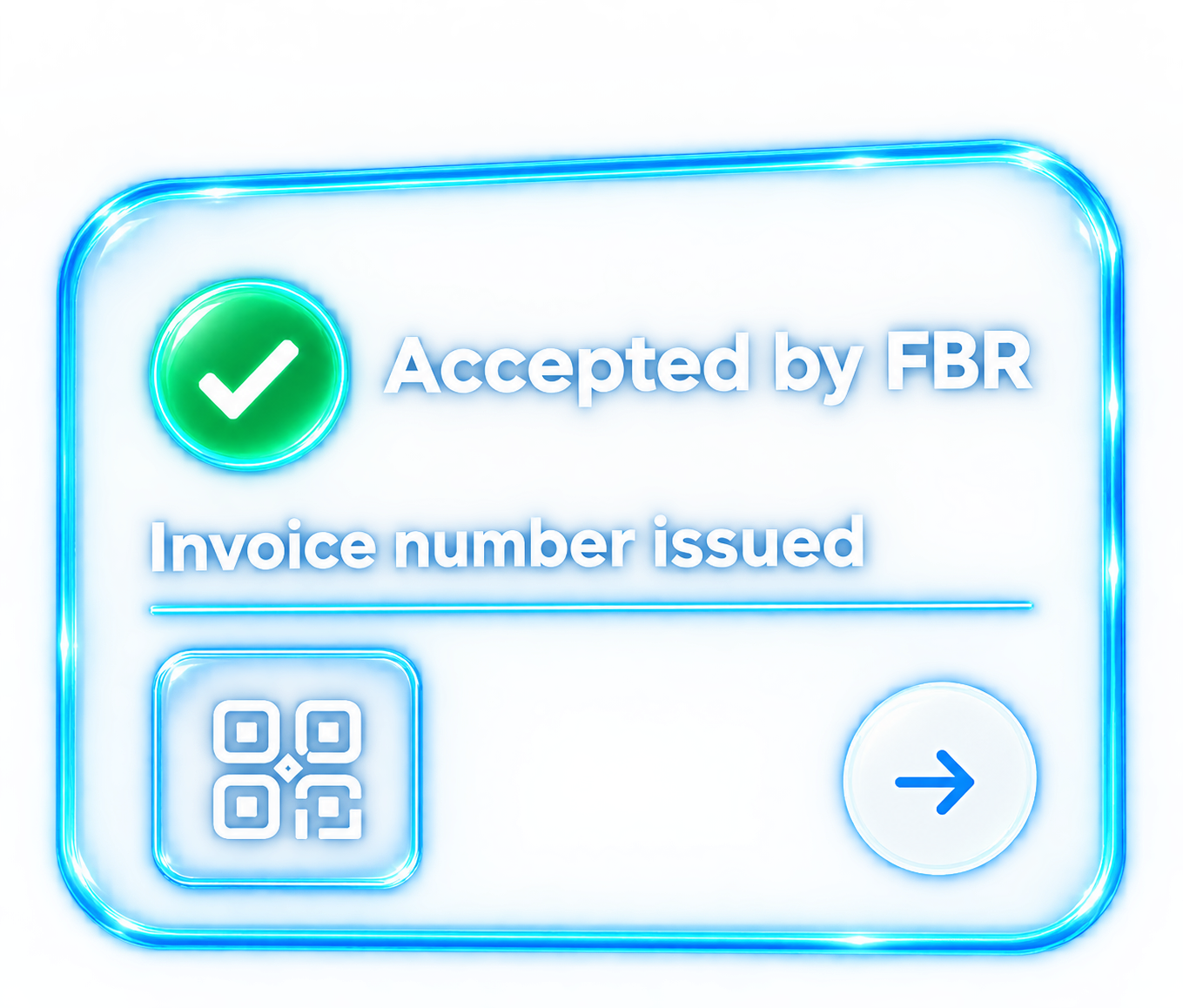
Save the returned invoice number and validation status.
Prepare the invoice printout with the required QR details.
Configure your connection, prepare invoices in your ERP, and submit them for an FBR response.
Pehle check, phir FBR ko send.
Set up your FBR-issued access and test invoice scenarios in the sandbox before moving to production.
Create the invoice in your ERP. Use available FBR reference data and validation feedback to review buyer, HS code, unit of measure, rate and invoice details.
Submit invoice data through the Digital Invoicing API and retain the response, validation status and FBR invoice number when issued.
Manage B2B and service invoices in your ERP and connect the invoicing workflow to FBR Digital Invoicing.
Manage high-volume business invoicing and keep invoice data and FBR submission responses organized across your operations.
Support business invoicing workflows for pharmaceutical manufacturers, distributors and other registered businesses.
Manage dealer and business-to-business invoices with a consistent ERP workflow and centralized submission records.
Connect sales invoicing with FBR Digital Invoicing while keeping item, buyer and tax details together in your ERP.
Manage textile sales invoices and submit the required invoice data through an ERP workflow connected to FBR Digital Invoicing.
Prepare itemized service invoices, manage relevant tax details and submit invoice data to FBR from your business workflow.
Review invoice data earlier and keep FBR submission responses alongside your ERP invoice records.
Pre-submission validation helps surface missing or inconsistent data before you submit.
Keep buyer details, HS codes and invoice information together in your ERP workflow.
Manage item-level tax values and review them against the selected invoice and sale details.
Review submitted invoice data and the validation status returned by FBR.
Use FBR reference data for invoice fields such as provinces, HS codes, units, rates and SROs.
Organize invoicing across business users and branches as your operations grow.
A token-authenticated API connection with a sandbox workflow for testing before production.
Each API request requires an authorization token issued for the integration. Keep credentials confidential.
Send invoice and reference-data requests through the secured FBR/PRAL API endpoints.
Test the applicable invoice scenarios in the sandbox before configuring production access.
Restrict access to integration credentials and review FBR validation responses as part of your internal controls.
Request a FinSmart ERP walkthrough and discuss your invoicing and FBR integration requirements.
Have questions about FBR integration or need a custom quote? Reach out to our team directly.
Our compliance experts typically respond to all inquiries within 24 business hours.
FBR Digital Invoicing integration — FinSmart connects ERP invoice workflows to PRAL/FBR Digital Invoicing services. FBR returns the validation response; businesses remain responsible for accurate invoice data and applicable tax treatment.
Quick answers about FBR invoicing and how FinSmart works.
Aap ke sawal, seedhay jawab.
FBR Digital Invoicing lets businesses transmit invoice data electronically through the designated FBR/PRAL services and receive a validation response. FinSmart brings that submission workflow into its ERP invoicing process; it does not guarantee tax compliance or replace a business's responsibility to provide accurate data.
Businesses that fall within FBR's current Digital Invoicing requirements should assess their registration, business activity and applicable deadlines. Manufacturers, distributors, wholesalers, importers, exporters and service businesses can use ERP-based digital invoicing workflows where applicable. Check current FBR notices for your specific obligations.
It is invoice data submitted electronically to FBR through a registered integration with the applicable invoice and item details. FBR returns a validation status and, for a valid submission, an FBR invoice number.
The integration can validate invoice data against FBR's required fields and reference data before submission. FBR then returns a response, which may include invoice-level or item-level validation errors. A valid response is not a substitute for the taxpayer's own review of the invoice and tax treatment.
Configure the required business details and FBR/PRAL-issued access credentials, test the applicable scenarios in the sandbox, and move to production once your setup is authorized. FinSmart supports this workflow through its ERP invoicing integration.
FinSmart is ERP software for managing business invoicing with FBR Digital Invoicing built into the workflow. It is designed for organizations such as manufacturers, distributors, wholesalers, importers, exporters and service businesses.
FinSmart helps manage item-level tax fields and validate invoice data, but the correct treatment depends on factors such as registration status, transaction type, HS code, rate and applicable rules. Your business remains responsible for selecting and reviewing the correct tax treatment.
FinSmart can use available FBR reference services for buyer registration type and taxpayer status checks. These checks do not replace your own due diligence or change the buyer's official registration status.
The PRAL user manual describes a 72-hour correction window, subject to eligibility and return-status conditions. Item details may be edited once, while invoice header details and the invoice number remain fixed. A cumulative 10% of last month's sales limit also applies to modifications. Check current FBR/PRAL guidance before making a correction.
FinSmart is designed to organize business invoicing across users and branches. Ask our team about your branch structure, access roles and rollout requirements.
FinSmart uses secure API connections for invoice data transmission. For details about hosting, access controls, backups and data retention, contact our team for the current product security information.
The PRAL user manual says the Digital Invoicing system does not automatically retry failed uploads. If a submission is interrupted, resubmit the affected invoice through the Digital Invoicing system to ensure it is recorded. If the first attempt's outcome is unclear, follow your ERP's duplicate-handling and support process before retrying.